Data Security Best Practices for Portable Personal Information Managers
A portable personal information manager gives you something genuinely valuable: full control over your data. No cloud account, no vendor server, no subscription. Your passwords, contacts, and private notes live exactly where you put them. That independence is the point — but it also shifts the entire security burden onto you. Get it right, and a portable PIM is one of the most private ways to manage sensitive personal data. Get it wrong, and a single lost USB drive can expose everything.
Why Security Matters More for Portable PIMs
Portable PIMs face a threat landscape that cloud-based tools simply don't. When your entire database travels on a USB drive or sits on a local machine, physical loss becomes a real attack vector — not just a theoretical one.
Cloud password managers and browser-based tools offload much of the security infrastructure to the vendor: server-side encryption, account recovery, login monitoring. That convenience comes with its own risks (data breaches at the provider level, account takeovers), but the vendor absorbs a lot of the complexity. With a portable PIM, there's no vendor standing between your data and whoever picks up your drive.
The other distinction is exposure surface. A cloud tool is always reachable — which means it's always potentially targetable. A local data storage approach means your PIM database is only accessible when the device is physically present and unlocked. That's a real advantage. But it also means a stolen or lost device is a complete, immediate risk rather than a remote one.
Understanding this trade-off isn't a reason to avoid portable PIMs. It's a reason to take the following practices seriously.
Choose a PIM with Strong Built-In Encryption
The single most important technical safeguard is AES-256 encryption applied to the entire database file. Any portable PIM worth using should encrypt your data at rest by default — not as an optional feature.
AES-256 (Advanced Encryption Standard with a 256-bit key) is the same standard used by governments and financial institutions to protect classified information. When a PIM uses it correctly, an attacker who gets hold of your database file without the master password sees nothing but unreadable ciphertext. Brute-forcing a properly implemented AES-256 key is computationally infeasible with current hardware.
When evaluating a portable PIM, look for these specifics:
- Encryption algorithm: AES-256 should be explicitly stated in the documentation, not just "encrypted."
- Key derivation function: A good PIM uses bcrypt, Argon2, or PBKDF2 to derive the encryption key from your master password. This makes brute-force attacks much slower.
- Open-source or audited codebase: Independently verified encryption implementations carry far more weight than marketing claims.
- No plaintext fallback: The software should never store or cache unencrypted data on disk.
If a PIM's documentation doesn't clearly state its encryption standard, treat that as a red flag.
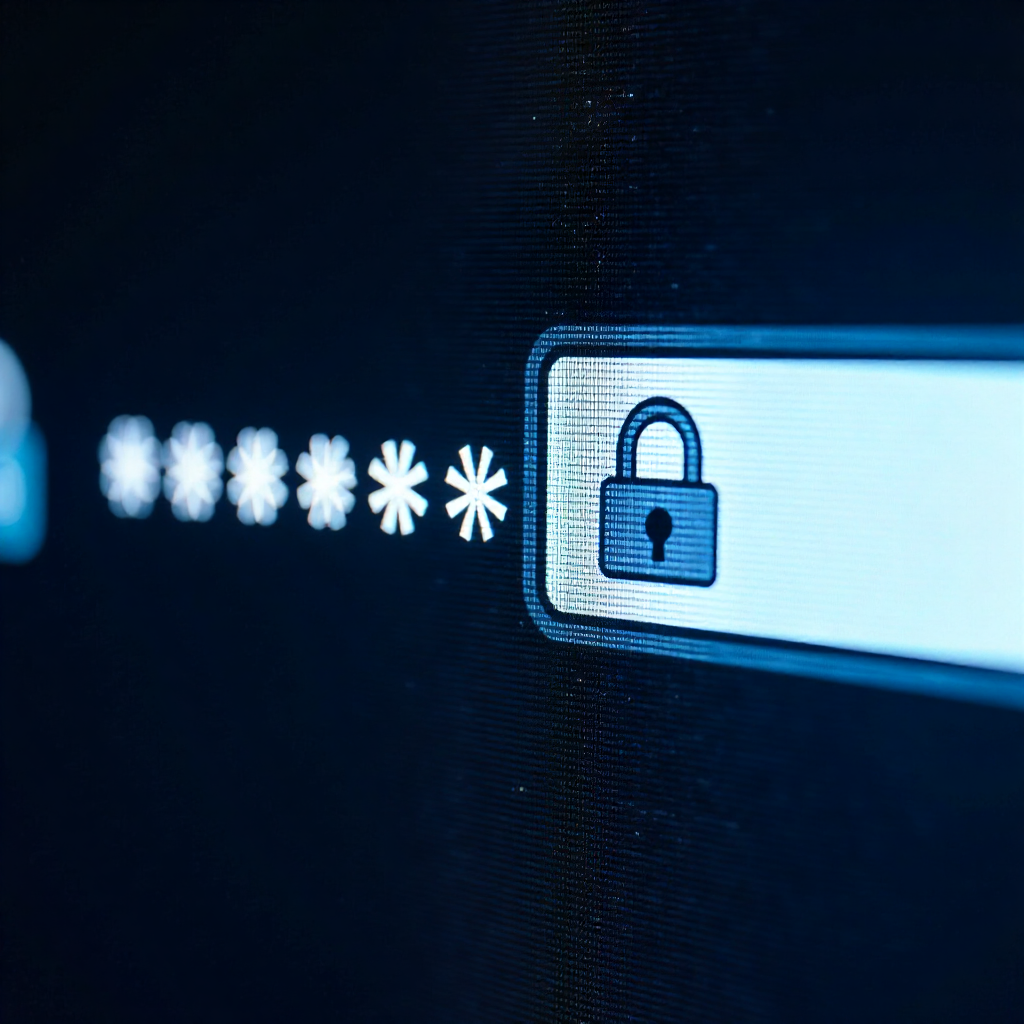
Set a Strong Master Password — and Protect It
Your master password is the key to everything. If the encryption is solid, the master password is the only realistic attack surface left — which makes it the most important thing you control.
A weak master password undermines even the best encryption. Dictionary attacks and credential stuffing are fast; a short or predictable password won't hold up. The practical standard today is a passphrase of at least four random words (think "correct horse battery staple" style), combined with a number and a symbol, totaling 16+ characters. Random word combinations are both memorable and resistant to brute force.
A few habits that matter here:
- Never reuse the master password anywhere else. If it appears in a data breach from another service, your entire PIM database is exposed.
- Don't write it in a notes app, email draft, or document on the same device that runs the PIM.
- If you need to store it somewhere, use a physical method — written on paper, kept in a secure physical location separate from the device.
- Enable auto-lock so the PIM closes after a short period of inactivity. Most portable PIMs let you set this to 1-5 minutes.
The master password is also worth revisiting periodically. If you've ever typed it on a shared or public computer, change it immediately.
Secure the Physical Device That Carries Your PIM
Physical security is where portable PIMs diverge most sharply from cloud tools. A USB drive is small, easy to lose, and easy to steal — and it carries your entire database.
The first layer of protection is encryption at the device level, not just the application level. If your PIM database is encrypted with AES-256, a stolen drive still can't be read without the master password. That's your safety net. But you can add more layers:
- Full-disk encryption on any computer where you run the PIM (BitLocker on Windows, FileVault on macOS) prevents access if the machine itself is stolen.
- For USB drives, consider hardware-encrypted drives with PIN entry, or use software like VeraCrypt to create an encrypted container around the PIM folder.
- Don't leave the USB drive plugged in when not in use. Eject it and store it separately from the laptop.
- Label the drive discreetly — a drive labeled "Passwords" is a higher-value target than one with no label.
Access control also means thinking about who else uses the same machine. On a shared computer, anyone who walks up while your PIM is open has full access. The auto-lock setting mentioned earlier is non-negotiable in shared environments.
Keep Encrypted Backups in Multiple Locations
A backup strategy for a portable PIM needs to solve two problems at once: preventing data loss and maintaining security. Backing up to an unencrypted location defeats the purpose.
A practical approach follows the 3-2-1 principle adapted for local storage: keep three copies of the database, on two different media types, with one stored in a separate physical location. In practice, this might look like:
- Primary copy on your main USB drive or local machine
- Secondary encrypted backup on a separate external drive stored at home
- Tertiary copy on a second USB drive kept at a different location (office, trusted family member)
The key word throughout is encrypted. Each backup copy should be the encrypted database file — not a plaintext export. Most portable PIMs export in their native encrypted format; use that, not CSV or plaintext.
How often? At minimum, back up after any significant session where you've added or updated entries. For active users, a weekly backup schedule is reasonable. Set a recurring reminder — it's easy to skip until the day you need the backup and don't have one.
Keep Your PIM Software and OS Up to Date
Running outdated software is one of the most common and preventable security mistakes. Software updates patch known vulnerabilities — and once a vulnerability is publicly disclosed, attackers move fast to exploit it on unpatched systems.
This applies to both layers: the portable PIM application itself and the host operating system. A perfectly configured PIM running on an OS with an unpatched privilege-escalation vulnerability can still be compromised.
For portable PIM software specifically, check the developer's release notes when updates are available. Security patches are usually flagged explicitly. If the software hasn't been updated in over a year and you're aware of reported vulnerabilities, that's worth taking seriously — either by finding an alternative or by isolating the device more carefully.
One practical note: some users run portable PIMs on older, offline machines specifically to reduce exposure. That's a valid strategy, but it doesn't eliminate the need for patching — it just changes the update cadence. An air-gapped machine still needs OS security updates applied manually.
Recognize and Reduce Human-Error Risks
Most real-world data exposures don't come from broken encryption — they come from human behavior. Shoulder surfing, social engineering, and simple carelessness account for a significant share of personal data breaches.
A few specific habits to build:
- Shoulder surfing awareness: Be conscious of who can see your screen when you open the PIM in public. A privacy screen filter on laptops used in coffee shops or airports is a cheap, effective countermeasure.
- Shared computer discipline: Never run your PIM on a computer you don't control. Public terminals, hotel business centers, and borrowed devices may have keyloggers or screen capture software.
- Phishing resistance: No legitimate software update for a portable PIM will arrive via an unsolicited email link. Download updates only from the official developer's website.
- Auto-lock configuration: Set the PIM to lock after 2-3 minutes of inactivity. It's a minor inconvenience that closes a significant exposure window.
Social engineering is harder to defend against because it targets judgment, not software. The simplest rule: if someone is asking you to open your PIM, read something out loud, or share a screenshot of it, the answer is no — regardless of how they frame the request.
Frequently Asked Questions
Is a portable PIM safer than a cloud-based PIM?
It depends on which threat you're most concerned about. A portable PIM with strong encryption eliminates the risk of a server-side data breach at a cloud provider. However, it introduces physical security risks — loss, theft, or hardware failure — that cloud tools handle automatically. Neither is universally safer; they have different risk profiles.
What happens to my data if my USB drive is lost or stolen?
If your PIM database is encrypted with AES-256 and protected by a strong master password, the data remains unreadable to whoever finds the drive. The practical risk is data loss, not data exposure — which is why encrypted backups in separate locations are essential.
Can I use two-factor authentication with a portable PIM?
Some portable PIMs support two-factor authentication (2FA) as an additional access layer, often via a key file stored separately from the database. This means an attacker needs both the database file and the key file to gain access. Check your specific PIM's documentation — not all portable applications implement 2FA, but those that do offer meaningfully stronger access control.
How often should I back up my portable PIM database?
Back up after any session where you've made meaningful changes, and at minimum once a week if you use the PIM regularly. The encrypted database file is small — there's no technical reason to delay. Set a calendar reminder if you tend to forget.
What encryption standard should a secure portable PIM use?
AES-256 is the current benchmark for database encryption in personal information managers. Pair it with a strong key derivation function (Argon2 or PBKDF2) and a master passphrase of 16+ characters, and the encryption layer is effectively unbreakable with current technology. Any PIM that doesn't clearly document its encryption standard warrants skepticism.