Top 10 Portable Personal Information Managers for Windows: Stay Organized Anywhere
What Is a Portable Personal Information Manager?
A portable personal information manager (PIM) is software that helps users organize contacts, tasks, calendars, and notes without requiring installation on Windows PCs.
Unlike traditional apps, portable PIMs run directly from a USB drive or cloud folder, allowing data management on multiple Windows devices while preserving user settings and files.
This portability is crucial for users who need mobility without leaving traces on shared or public computers, ensuring productivity on the go.
Key Features to Look for in Portable PIM Software
Essential features in a portable PIM include task management, contact management, note taking, and calendar integration to cover broad organizational needs.
Data synchronization capabilities allow seamless updates across devices, even though portability implies running without installation.
Encryption and security features protect sensitive data stored on portable drives, while robust backup and restore options safeguard information against loss.
Finally, the user interface and customization options matter, as a clean, intuitive design impacts efficiency and ease of use.
Benefits of Using Portable PIMs on Windows
Using portable PIMs on Windows means you can organize your personal and professional information anywhere without installation hassles.
This leads to advantages like improved data privacy, since no information is left on public or shared computers after use. Portability also enhances mobility, as your entire organizational system is on a USB drive or cloud folder accessible from any Windows machine.
Additionally, portable software tends to be lightweight and fast to launch, minimizing system resource usage and boosting productivity, especially for users who switch between multiple devices regularly.
Top 10 Portable Personal Information Managers for Windows
The following list presents the best portable PIMs for Windows, highlighting their standout features, pros, and cons to help you pick the right tool.
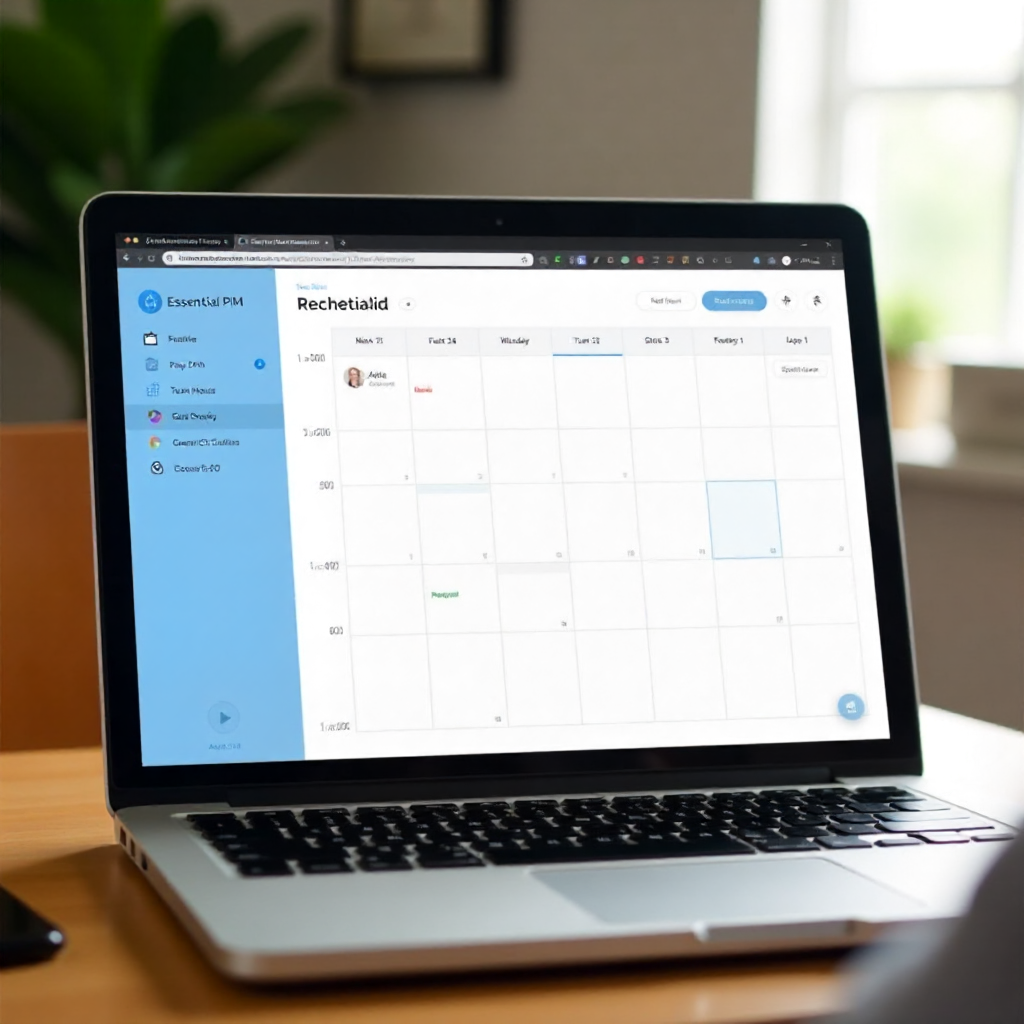
1. EssentialPIM Portable
EssentialPIM Portable offers task management, calendar, contact, and note modules, all syncable with cloud services and mobile devices.
- Pros: Strong encryption options, intuitive UI, versatile syncing.
- Cons: Free version limits some advanced features.
2. PortableApps.com PIM Suite
Integrated within the PortableApps.com platform, this suite includes portable versions of popular PIM tools like Thunderbird and Lightning calendar.
- Pros: Wide app variety, automatic updates, good for users seeking familiar interfaces.
- Cons: Requires some setup, bulkier than single-purpose apps.
3. Portable Microsoft OneNote
A lightweight, portable variant of OneNote allows advanced note taking, multimedia attachments, and sync with OneDrive cloud.
- Pros: Rich text editing, syncing to cloud, robust organization.
- Cons: Limited offline features, requires Microsoft account.
4. Thunderbird Portable
Mozilla Thunderbird’s portable version provides powerful email, task, and calendar management for Windows users on the go.
- Pros: Open-source, customizable, encrypted email support.
- Cons: Bulkier than dedicated PIM apps, email-focused.
5. Rainlendar Lite Portable
Rainlendar Lite is a portable calendar and task manager with simple interface and low resource usage.
- Pros: Lightweight, visually customizable, supports alarms.
- Cons: Limited contact management, no native sync feature.
6. EfficientPIM Portable
EfficientPIM Portable combines contact, task, note, and calendar management with built-in encryption and backup options.
- Pros: Strong security features, multi-language, data import/export.
- Cons: UI feels dated, some advanced features behind paywall.
7. My Notes Keeper Portable
This portable app focuses on hierarchical note taking with rich text support and password protection.
- Pros: Easy data backup, drag-and-drop interface, encryption.
- Cons: Minimal task management and calendar features.
8. Zim Portable
Zim is a desktop wiki-style note taker with task and link management in a portable package.
- Pros: Wiki-like linking, markdown support, plugins.
- Cons: Limited calendar integration, less beginner-friendly.
9. Portable Task Coach
Task Coach Portable focuses on simple, effective task and to-do list management with portable convenience.
- Pros: Open-source, easy reminders, subtasks feature.
- Cons: No contact or calendar tools included.
10. Keepass Portable (with PIM plugins)
Primarily a password manager, Keepass Portable adds note-taking and contact management via plugins, combined with strong encryption.
- Pros: Top-notch security, lightweight, portable encryption.
- Cons: Not a full-featured PIM without extra setup and plugins.
How to Choose the Right Portable PIM for Your Needs
Selecting the best portable PIM depends on your priorities like usability, feature set, and device compatibility.
If syncing with cloud services is essential, pick tools like EssentialPIM or OneNote Portable. For security-focused users, EfficientPIM or Keepass Portable with encryption is ideal.
Consider whether you need full contact, task, note, and calendar integration or prefer lightweight apps focusing on one of these aspects.
Trial versions and portable app collections (e.g., PortableApps.com) can help test usability before committing.
Tips for Maximizing Productivity with Portable PIMs
To get the most out of portable PIMs, organize your data consistently using categories and tags for quick access.
Leverage calendar integrations and reminders to stay on top of deadlines and appointments. Use encryption features where possible to keep sensitive info secure.
Regularly back up your PIM data to multiple locations to avoid loss. Finally, pick a PIM with a customizable user interface to tailor your workflow and improve efficiency.
Conclusion: Keep Your Information Secure and Accessible on the Go
Portable personal information managers for Windows provide a powerful way to stay organized without sacrificing mobility or security. They combine task, contact, calendar, and note management into lightweight, no-install applications that travel wherever you do.
By carefully selecting software that balances features like encryption, syncing, and usability, users can boost productivity and ensure their data remains private and accessible, whether at home, office, or on the road.
FAQ
What makes a PIM "portable"?
A portable PIM runs without installation, typically directly from a USB drive, allowing you to use it on any compatible Windows computer without affecting the host system.
Can portable PIMs sync data across devices?
Many portable PIMs support data synchronization via cloud services or file sync tools, enabling up-to-date information across multiple Windows devices.
Are portable PIMs secure for sensitive data?
Yes, the best portable PIMs offer encryption and password protection, safeguarding sensitive personal and professional information even when run from removable media.
Do portable PIMs support cloud integration?
Several portable PIMs integrate with cloud providers like OneDrive, Google Drive, or Dropbox for syncing notes, contacts, and calendars seamlessly.
How do portable PIMs differ from installed software?
Portable PIMs require no installation and leave no traces on the host computer, making them ideal for mobility and privacy, whereas installed software stays on a single device and may be less flexible to move.